Settings & themes
Settings dialog
Open File › Settings… to change:
- Theme — Dark, High Contrast or Lilac. Applied instantly.
- Refresh interval — how often the live process/connection lists update. Shorter is more responsive but uses more CPU.
Settings are saved to your user profile (via QSettings) and restored on next
launch. The window size and position are remembered too.
Themes
Switch live from View › Theme or the Settings dialog. Three are built in:
| Theme | Look |
|---|---|
| Dark | Neutral dark grey with a blue accent (the default) |
| High Contrast | Pure black with a yellow accent and strong borders |
| Lilac | Near-black violet base with a vivid lilac accent |
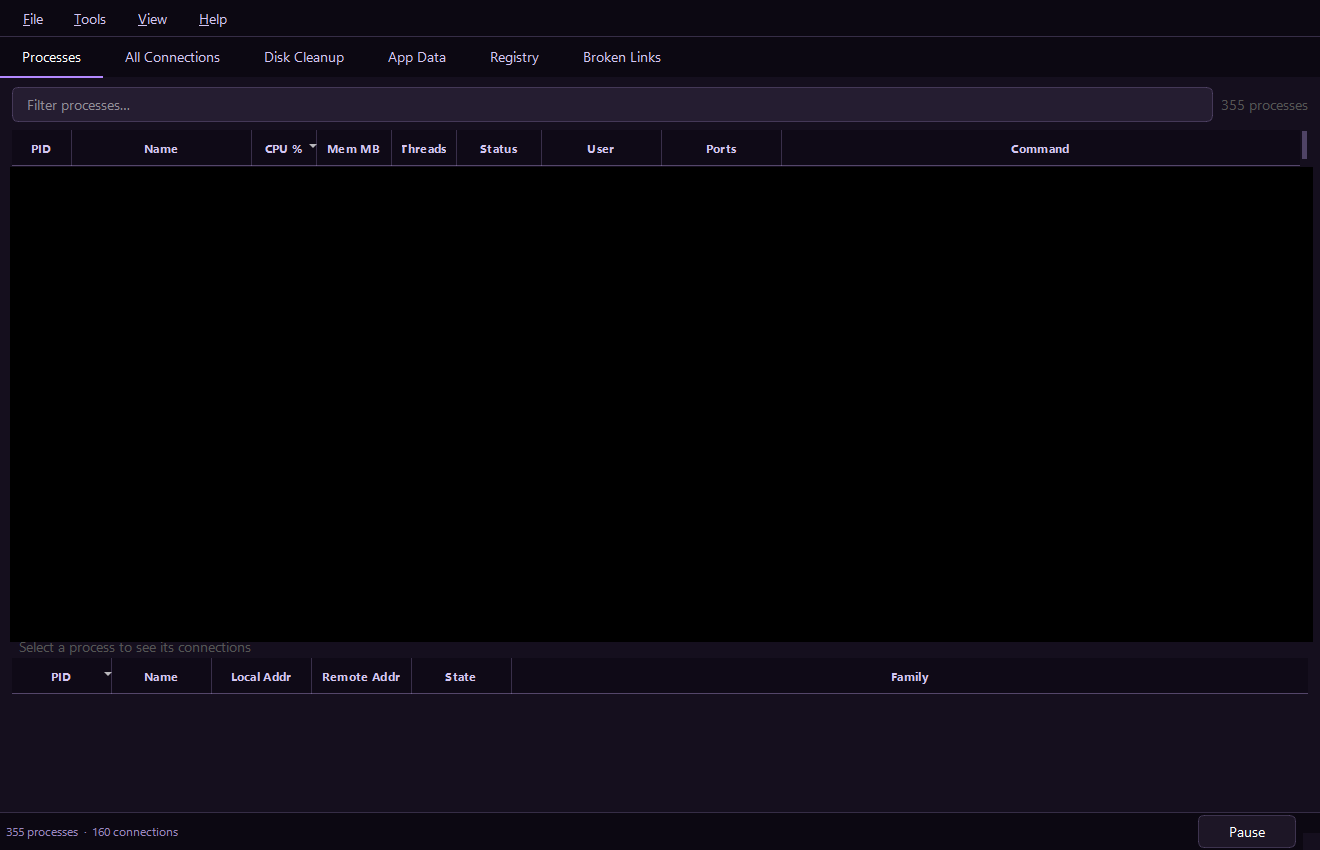
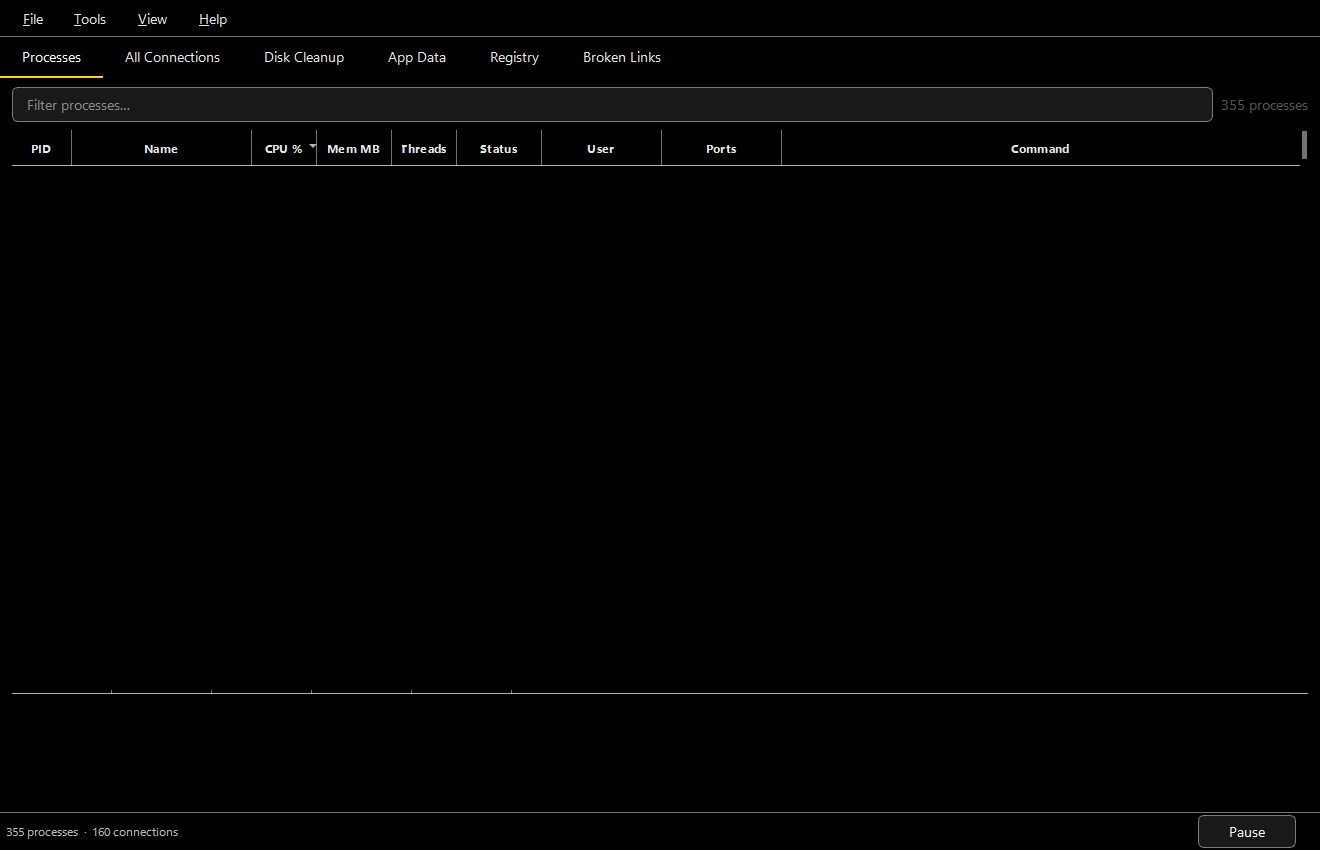
Themes are a Fluent-inspired QSS template
rendered against a small palette, so each theme only defines a handful of colours
and the rest (borders, hovers, selection tints) are derived. Adding a theme is a
matter of defining one more palette — see procman/theme.py.
What's remembered
| Preference | Restored on launch |
|---|---|
| Theme | ✅ |
| Refresh interval | ✅ |
| Window size & position | ✅ |
| MCP server enabled / port / token | ✅ (see MCP overview) |