Qt Task Manager
A fast, modern desktop task manager for Windows, built with PySide6 and psutil.
It shows live processes and network connections, plus a set of read-only system scanners (threats, disk cleanup, App Data, registry hygiene and broken shortcuts) — all behind a clean, themeable, Fluent-inspired UI. It can also expose everything it sees to an AI assistant through a local, opt-in Model Context Protocol server.
Safe by design
The scanners never modify or delete anything. They only report what you may want to review and clean up yourself. Removal actions are intentionally disabled (read-only by design). The MCP server is the same: read-only data, and any operation it requests waits for a human to approve it in the app.
Feature overview
| Tab | What it does |
|---|---|
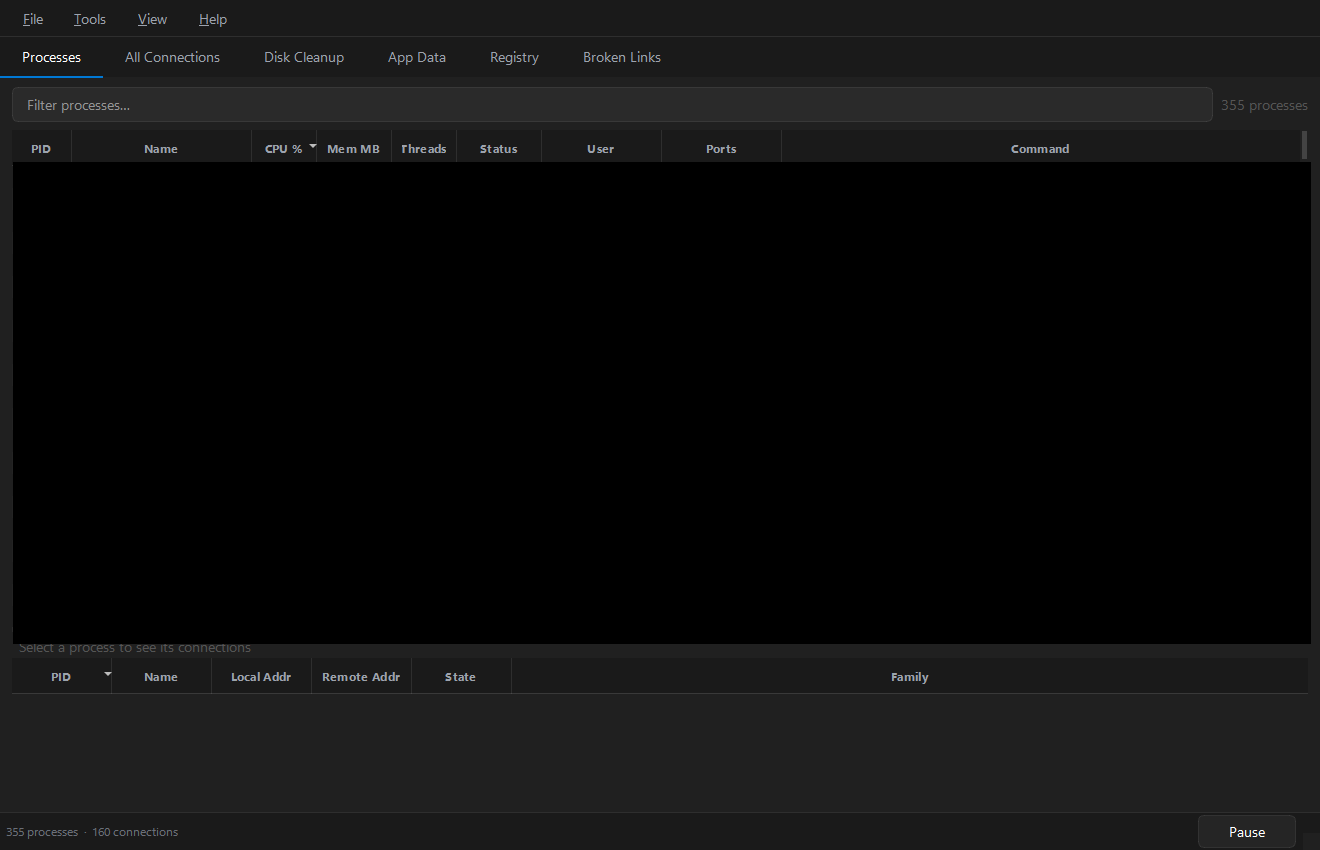
| Processes | Live table — PID, name, CPU %, memory, threads, status, user, listening ports, full command line. Filter across every column, sort, multi-select, kill (single or batch), inspect details, open file location. Per-process connections in the panel below. |
| All Connections | Live view of every inet connection — local/remote address, state, IPv4/IPv6 — with instant filtering. |
| Threats | On-demand heuristic scan that scores running processes for signs of attack, data theft, persistence or coin-mining into a 0–100 risk score with per-rule findings. Read-only: it flags, never kills. |
| Disk Cleanup | Read-only sizes of ~120 well-known cache/temp locations, each with a safe to clear / review first recommendation. |
| App Data | Browse per-application folders under Roaming, Local, LocalLow and ProgramData, sized and sorted, with orphaned/stale hints. |
| Registry | An Explorer for the registry locations where Windows records applications, plus an Issues scan that flags entries whose target is gone. |
| Broken Links | Start Menu / Desktop shortcuts whose target executable no longer exists. |
| MCP | Turn on a local Model Context Protocol server so an AI assistant can read your machine's live metrics, processes, connections and scan results — bound to 127.0.0.1, gated by a bearer token, off by default. |
Highlights
- Live refresh with pause/resume and a configurable interval.
- Three themes — Dark, High Contrast and Lilac — switchable live from View › Theme.
- Persistent preferences — theme, refresh interval and window geometry are remembered.
- Tools › Run all scans kicks off every scanner at once.
- Responsive under load — process/connection collection runs in a separate subprocess so psutil never blocks the UI thread. See Architecture.
Where to next
- New here? Start with Installation and the UI tour.
- Want an AI agent to read your system state? See the MCP server.
- Building from source or contributing? See Building and Contributing.