Broken Links
The Broken Links tab scans your Start Menu and Desktop shortcuts and flags the ones whose target executable no longer exists — the classic leftovers of uninstalled programs. Read-only.
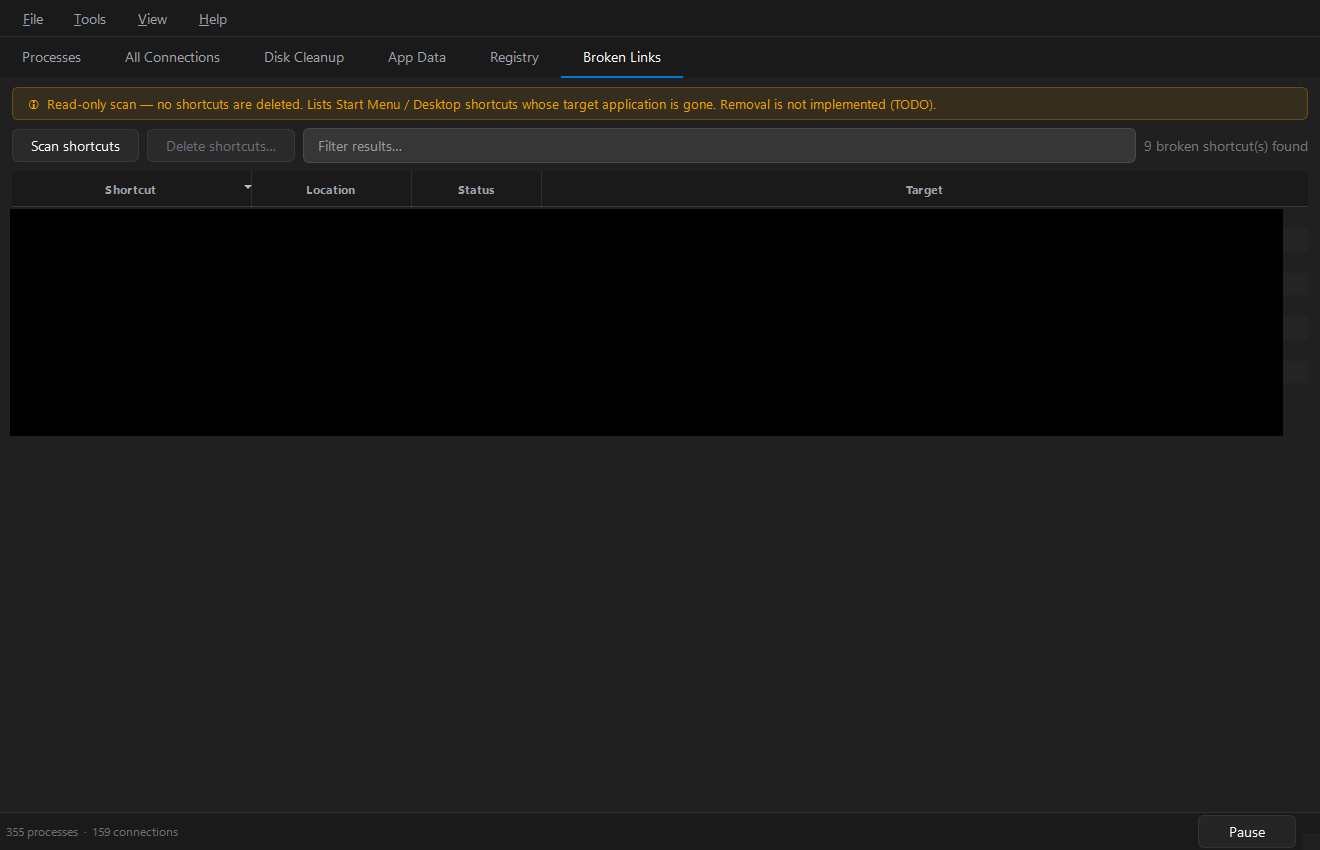
Press Scan shortcuts (or Tools › Scan Broken Links).
Columns
| Column | Meaning |
|---|---|
| Shortcut | Shortcut display name |
| Location | Where the shortcut lives (Start Menu / Desktop) |
| Status | Why it's flagged |
| Target | The missing executable it points to |
Acting on the results
Deletion is deliberately not implemented (the Delete shortcuts… button is disabled by design). To remove a dead shortcut:
- Right-click → Open in Explorer — this selects the
.lnkfile itself. - Confirm it really is dead (some targets live on removable or network drives that are simply disconnected right now).
- Delete the shortcut from Explorer.
tip
A shortcut can be flagged because its drive isn't mounted — a USB stick or a network share. If the target comes back when you reconnect, the shortcut was fine all along.