All Connections
The All Connections tab is a live view of every internet connection on the machine, refreshed alongside the process list.
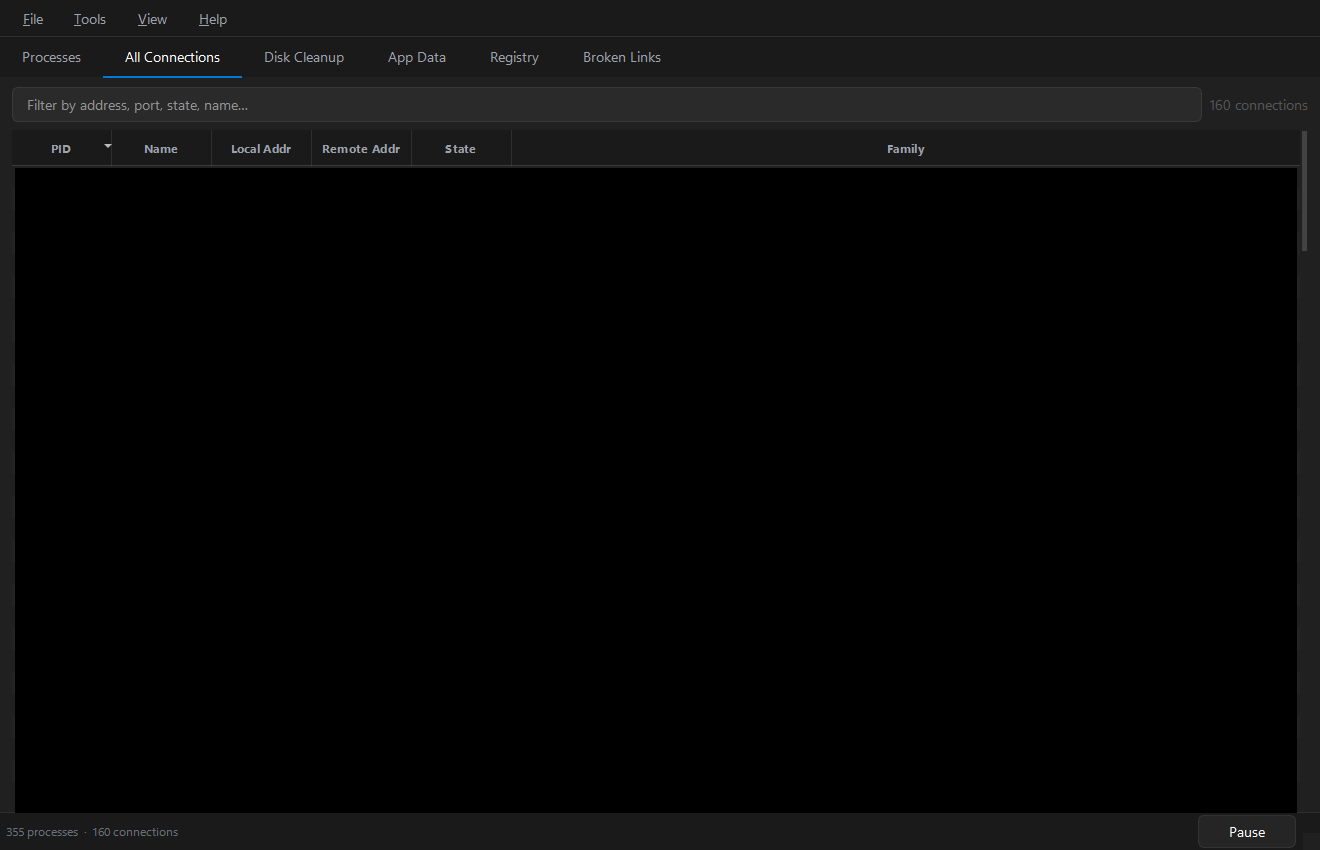
Columns
| Column | Meaning |
|---|---|
| PID | Owning process ID (0 if it could not be resolved) |
| Name | Owning process name |
| Local Addr | Local IP address and port on this machine |
| Remote Addr | Remote peer address and port (blank for listeners) |
| State | TCP state — established · listen · time_wait · close_wait · … |
| Family | Address family — IPv4 or IPv6 |
The State column is colour-coded: established (green), listen (blue), time_wait (amber), and so on.
Filtering
Type in the filter box to match across all columns — by address, port, state or process name, case-insensitively. For example:
:443— everything talking to or listening on port 443listen— every listening socketchrome— connections owned by Chrome
Relationship to the Processes tab
This tab shows all connections at once. To see only one process's connections, select it on the Processes tab — the panel below the process table shows exactly that subset.
The connections model only receives updates while this tab is visible; when it is hidden the latest snapshot is buffered and applied the moment you switch back. This avoids repainting a table nobody is looking at on every refresh tick. See Architecture.